
Send your PrestaShop e-mails with your Microsoft 365 account.
Replace sendmail and SMTP passwords with Microsoft’s modern OAuth sign-in. Order confirmations, invoices, password resets: every transactional e-mail of your store leaves from your Outlook account.
PrestaShop 1.7.7 → 9.x · PHP 7.1 → 8.4 · No SMTP password
How it works
Connect Outlook in four steps.
The module follows the native PrestaShop flow: install, connect, test, then choose Outlook as your sending method.
Setup walkthrough
From installation to the first e-mail in under two minutes.
Watch the whole journey: installation, Microsoft sign-in, test e-mail and activation in PrestaShop.
Screenshots
Right in your PrestaShop back office.
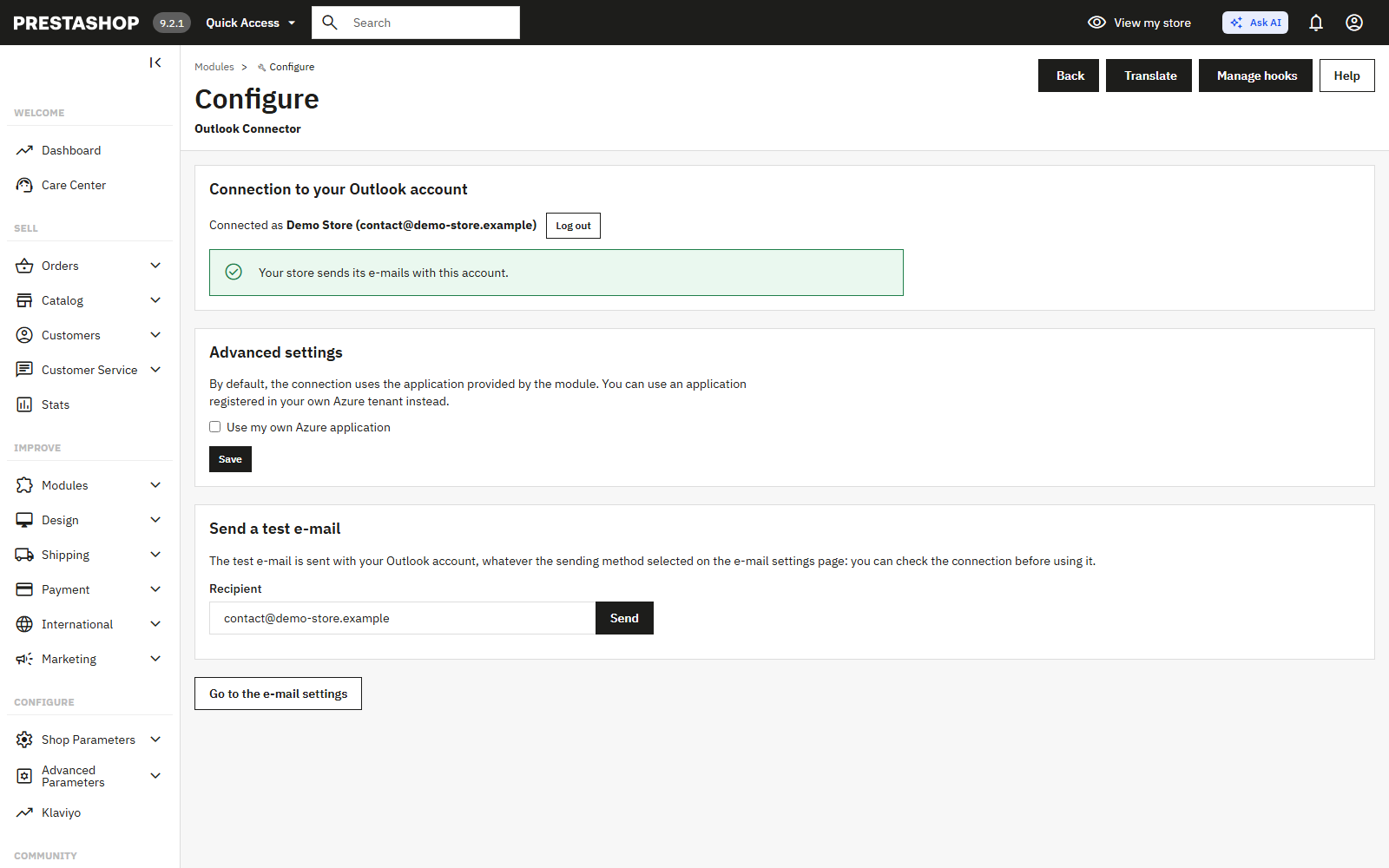
The screens you will use: connection, status, test e-mail, advanced Azure settings and the PrestaShop e-mail settings.
Built for production
Secure OAuth sending, without fragile SMTP passwords.
Designed for real stores: safe token handling, errors that never stop a sale, self-repair after upgrades and broad compatibility.
Compatibility
Ready for today’s PrestaShop — and PrestaShop 9.
Version 2.0.1 supports current PrestaShop and PHP versions and keeps an upgrade path from older installations.
| Item | Supported / tested |
|---|
FAQ
Questions before you install?
Answers for merchants and agencies moving their store e-mails to Microsoft 365.
Move your store e-mails to Microsoft 365 today.
Install Outlook Connector, sign in with Microsoft, send a test e-mail and enable Outlook in your PrestaShop e-mail settings.
By AD-DEV · Belgian software company